
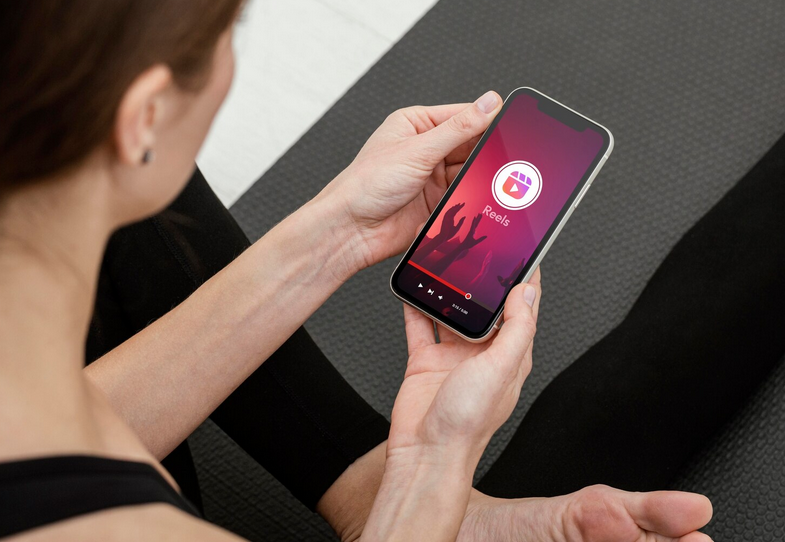
Instagram likes to give your Reels a little “spa day” without asking for your opinion. Since many creators explore tools like “buy Instagram reel views” to boost performance, understanding how the platform tweaks your footage becomes even more important. These auto-adjustments happen fast, hidden behind the scenes, and powered by tech that would impress even the pickiest engineer.
How Instagram Detects Low-Quality Elements Automatically
 Instagram’s system scans every uploaded video the moment it hits their servers. It checks brightness, sharpness, motion levels, and compression artifacts. The platform doesn’t wait for you to hit any settings; it makes the decision instantly. That quick response can make your footage seem better or worse, depending on the original content. The process relies on pattern recognition. If it senses those signals, it applies corrections. You may notice your colors shift or your contrast bump up a notch, and that change often catches creators off guard.
The Compression Behind Reels (And Why It Messes With Your Final Look)
Every video uploaded to Instagram gets compressed. It’s their way of making sure millions of files fit without clogging the entire platform. Compression strips out information your eye may not notice, but the camera definitely captured. This missing detail can make your video appear softer or more grainy. Once your clip is compressed, the system applies enhancement filters to fill the gaps. It sharpens edges and boosts exposure to compensate for details lost in the process. While this sounds helpful, it often creates a harsher or less natural appearance.
Color Correction: Instagram’s Quiet Re-Editing Tool
The platform’s auto color correction is powerful. It analyzes lighting levels and skin tones to adjust hues. You might notice your face looks warmer or a bit cooler after the upload. This shift can completely change the vibe of your content. It doesn’t always match your editing style. If your goal was a moody look with darker tones, Instagram might brighten it up anyway. The system focuses on clarity instead of creative intent. That mismatch is why so many creators re-watch their uploads and go, “That’s not what I posted.”
Motion and Stabilization Features You Didn’t Ask For

If your Reel has shaky footage, Instagram might try to smooth it out. The stabilizing feature kicks in without warning. You may notice a strange wobble effect or slight warping near the edges of your frame. This happens because the system crops in and shifts pixels around to reduce the appearance of movement. These corrections can help casual clips, but frustrate people who purposely shoot handheld footage for a certain style. The system assumes you want clarity above all else. It treats every video like it needs to be polished, even if you intended a raw look.
How to Maintain Control Over Your Visual Style
First, keep your original exports crisp and high-resolution. High-quality uploads give Instagram less motivation to apply aggressive adjustments. Stick to standard frame rates and consistent lighting. These help prevent unwanted boosts in exposure or sharpness. You can also test small adjustments before posting. Upload a private Reel to see how Instagram changes your file. If the result looks off, tweak your export settings. Creators who take this extra step often notice fewer surprise edits and more consistency in their visual style.…
Read More