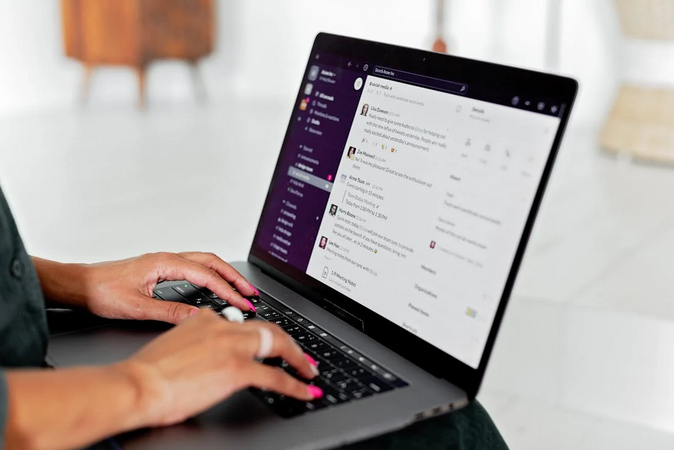
Nothing kills the vibe faster than a frozen screen mid-dance or audio that sounds like you’re speaking through a tin can. TikTok live streaming has exploded in popularity, but technical hiccups can turn your golden moment into a digital disaster. Your audience expects smooth, professional content that keeps them glued to their screens. If you’re wondering how to get more viewers on TikTok Live, know that one glitch can send potential fans scrolling to the next creator faster than you can say “technical difficulties.” Smart streamers know that preparation beats perspiration every single time. The difference between viral success and streaming failure often comes down to mastering the technical basics.
Optimize Your Internet Connection for Flawless Streaming
Your internet connection is the backbone of successful live streaming, period. Most streamers underestimate how much bandwidth they need for crystal-clear broadcasts. A spotty connection turns your content into a slideshow that frustrates viewers instantly. Test your upload speed before going live because download speeds don’t matter here. Aim for at least 5 Mbps upload speed, though 10 Mbps gives you breathing room for high-quality streams. Position yourself close to your router, or better yet, use an ethernet cable for rock-solid stability that WiFi simply can’t match.
Master Your Audio Setup Like a Pro
Bad audio will make viewers hit that exit button faster than poor video quality ever will. Your phone’s built-in microphone picks up every background noise from air conditioners to noisy neighbors. Invest in a decent external microphone or wireless lapel mic that captures your voice. Test your audio levels beforehand because nobody wants to strain their ears or get their eardrums blown out. Background noise can be your worst enemy, so choose quiet locations and close windows to minimize distractions. Remember that viewers will tolerate grainy videos before they sit through muffled, echo-filled audio.
Try Lighting Techniques That Make You Look Amazing
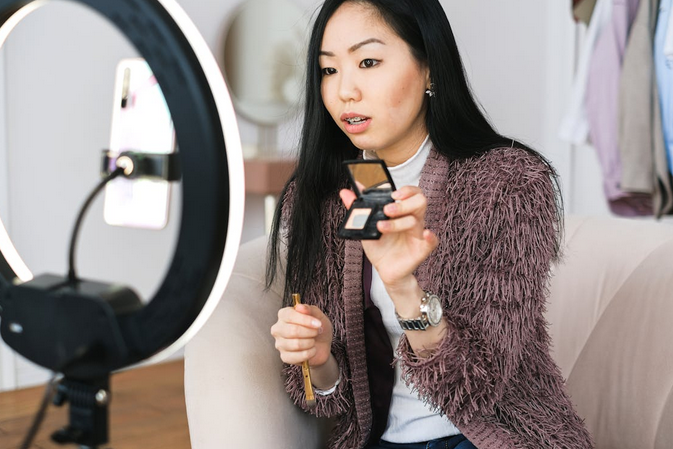
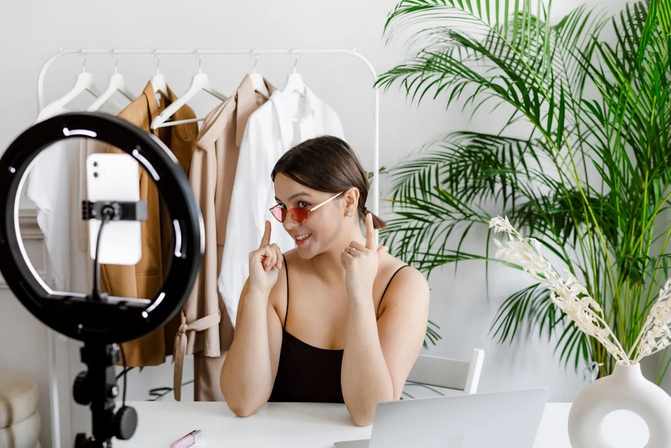
Good lighting transforms amateur streams into professional-looking broadcasts without breaking the bank. Natural light from windows works wonders, but avoid sitting with bright light behind you unless you want to look like a mysterious silhouette. Ring lights have become popular for good reason – they provide even, flattering illumination that makes your skin glow. Position your light source in front of you, slightly above eye level for the most appealing angle. Harsh overhead lighting creates unflattering shadows under your eyes and nose that make you look tired or sick. Experiment with different setups during off-peak hours to find what works best for your space and style.
Ensure Device Performance and App Management Strategies
Your phone works overtime during live streams, so give it the best chance to succeed. Close unnecessary apps running in the background because they steal precious processing power and memory. Enable “Do Not Disturb” mode to prevent notification pop-ups from interrupting your broadcast flow. Keep your TikTok app updated to the latest version since developers constantly fix bugs and improve performance. Low battery levels can cause unexpected shutdowns, so start with at least 80% charge or stay plugged into a charger. Free up storage space before streaming because full memory slows down everything and can cause crashes at the worst possible moments.
Technical preparation separates successful TikTok streamers from those who struggle with constant interruptions and frustrated audiences. These fundamental strategies will help you avoid the most common pitfalls that derail live broadcasts. Your viewers deserve smooth, professional content that keeps them engaged from start to finish. Start implementing these tips gradually rather than trying to perfect everything at once. Remember that even small improvements in your technical setup can lead to dramatically better streaming experiences. Master these basics, and you’ll build a reputation for reliability that keeps audiences coming back for more engaging content.